Using themes
A theme only changes the look — it adds no features. That is the whole
difference from a plugin. Themes are data-only: a manifest plus a few JSON
files, no executable code, so switching themes has no security angle.
Picking a theme
Open the theme marketplace, search by name or description, open
the detail page, and click “Install to PolyCreator” — the same deep-link
flow as installing a plugin.
The theme marketplace is still early and the shelf is thin; plugin authors
can publish themes too — a data-only theme plugin is just manifest.json +
theme.json.
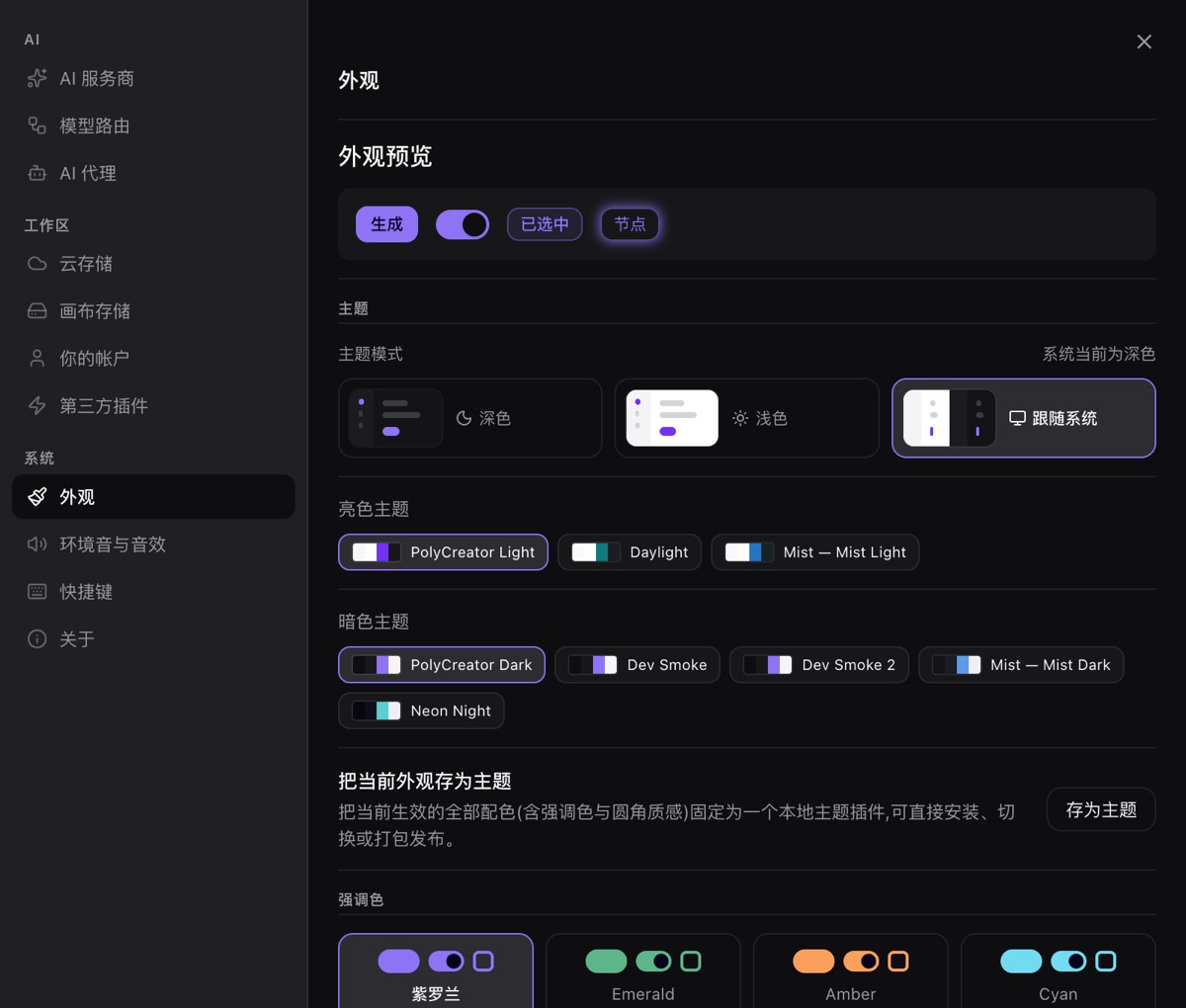
Appearance settings
Switch themes in the app's appearance settings. While a custom theme is
active, the accent-color setting yields — what you see is the theme's
palette; turn the theme off and your accent returns.
Broken theme?
- One bad file rejects the whole theme package (rather use nothing than
half-load it) — reinstall to fix. - Themes can extend (
extends) other themes or the builtin light/dark looks;
a missing base degrades to the theme's own values plus a warning, never a
crash.