How to organize AI generated images prompts, and save and reuse image generation workflow
How to organize AI generated images prompts, and reuse the workflow
Long-tail queries: how to organize AI generated images prompts · save and reuse image generation workflow
Search "how to organize AI generated images prompts" and the answers are mostly complaints. Four hundred files on disk, all named IMG_2048.png. The image you were actually proud of three months ago, and no memory of whether the prompt was "cyberpunk street, wet reflections, 35mm" or something else. The same six-step chain — script, storyboard, images, voice, composite, publish — rebuilt from an empty canvas for every new project. Once generation got cheap, the bookkeeping did not keep up, and now the cost of not finding things is bigger than the cost of making them.
1 · The problem: nothing owns the output
Three symptoms, one cause.
- Outputs have no name. The 400th file and the 40th look identical in a folder. A file system is good at sorting and bad at recognising.
- Prompts are not archived. The prompt is the part worth reusing, and it usually lives inside one input box, gone when the canvas is reloaded or the text is overwritten.
- Workflows are not captured. The chain that worked gets rebuilt next time, and every rebuild throws away the mistakes you already paid for.
2 · General solutions: each method solves half of it
| Method | What it solves | Cost | Drawback |
|---|---|---|---|
| Folder conventions | Groups outputs by topic | Free | Files and prompts stay two separate things |
| Prompt log / spreadsheet | Keeps "what I actually wrote" | Low | Manual copying, drifts out of sync with the outputs |
| Moodboards (PureRef, Are.na) | Selection and style comparison | Medium | Holds reference images, not the recipe that made them |
| Workflow templates | Reuses a fixed chain | Medium | Static; changing one step means rebuilding |
| Naming schemes | Gives search something to grip | Free | Worthless if you stop doing it |
| Node-based canvas | Makes the flow itself a file | Medium to high | Needs a tool that supports wiring and reuse |
Each one alone is awkward. The spreadsheet holds prompts, the moodboard holds picks, the folders hold archives, and the numbering in the three places does not line up, so finding one image still means three tools. That is why "save and reuse image generation workflow" is hard in practice: the flow is scattered across places that do not talk to each other.
3 · How PolyCreator does it: four drawers, one job each
PolyCreator is a desktop node canvas. Text, image, video and audio are nodes, and the connections between them are the pipeline. Organising splits into four drawers that do not overlap.
Assets hold the outputs
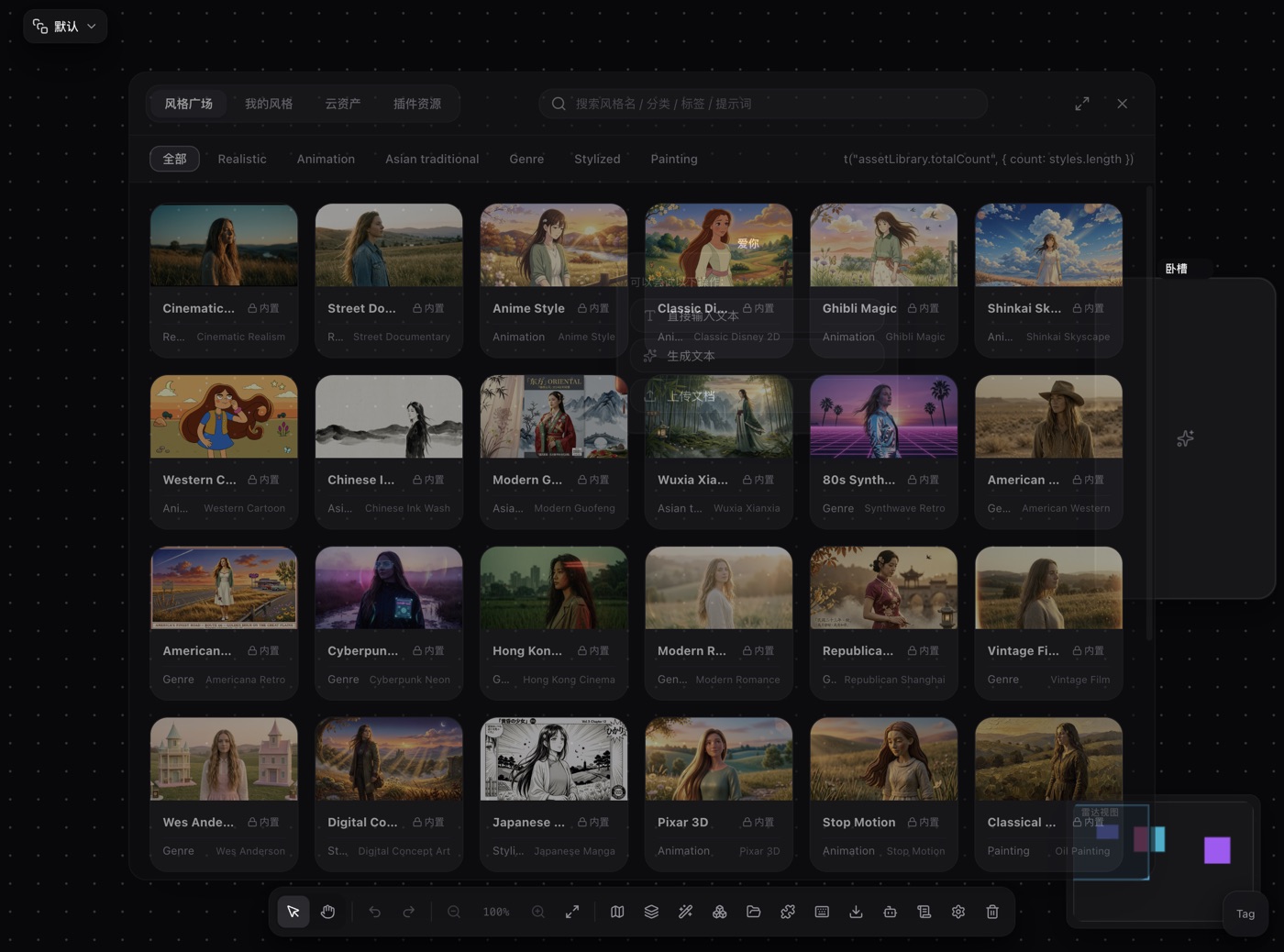
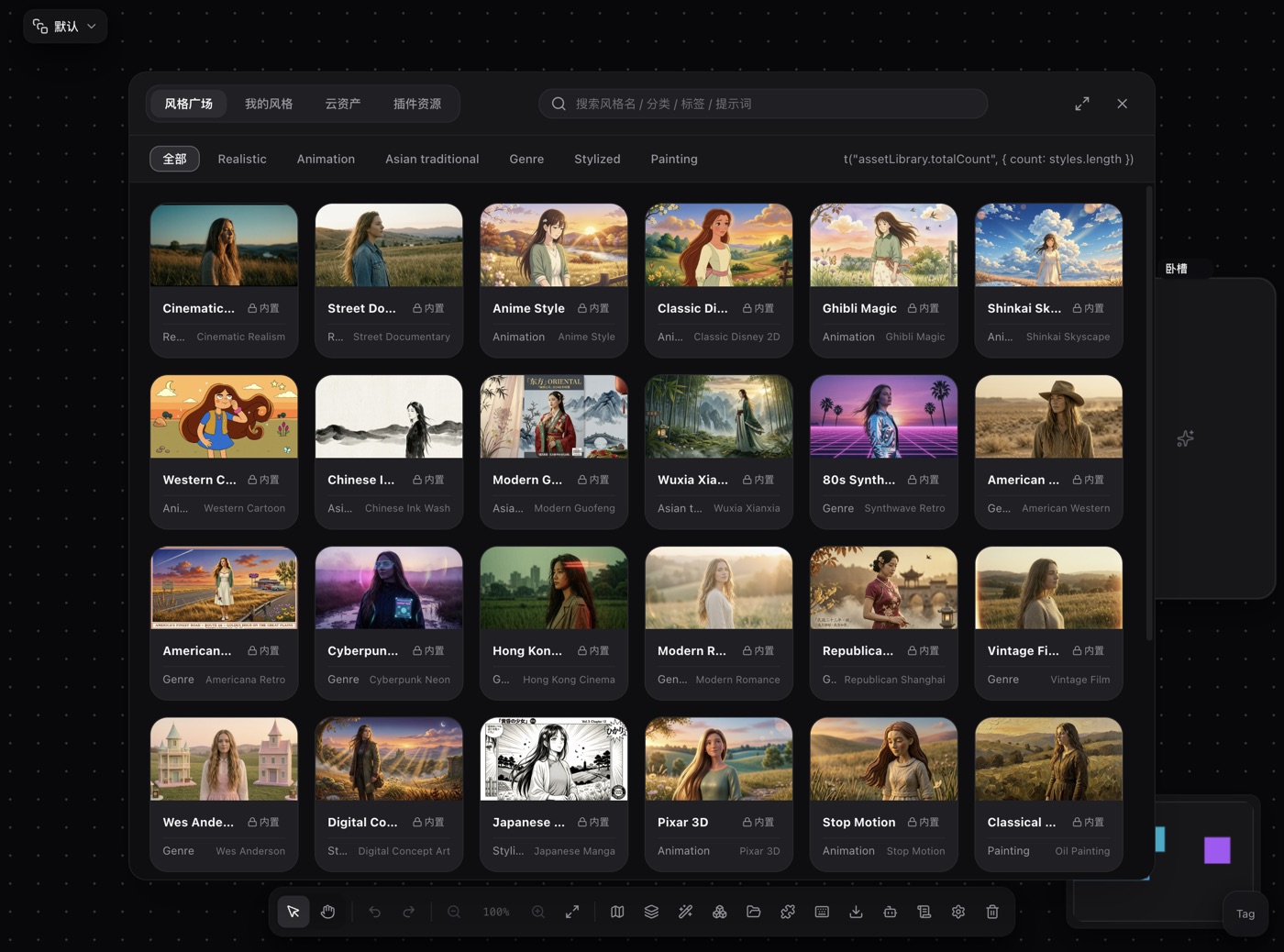
The asset library in the bottom toolbar is where outputs go. Locally generated images and cloud material are browsed from the same entry point. Cloud assets connect to Volcengine TOS, Tencent Cloud COS or Aliyun OSS, and once configured you browse folders, search, and delete; locally generated assets can be pushed up to the cloud. Naming the folder as you create it (shortdrama01_003_watercolor) is far cheaper than renaming later.
Records hold the history
The records panel logs every task: type, status, model, duration, cost, request parameters and the returned result. What matters most is that it can locate and rerun. Hit "locate" to jump back to the node on the canvas, hit "retry" to run it again with the same parameters. Why one image came out well is usually written in one of those records.
Macro templates hold the recipe
The "workflow macro template component library" in the toolbar is the core of this. Select a group of nodes and the connections between them, save it as a macro template, and later "insert to canvas" drops the whole chain onto any canvas. Macros carry a category and comma-separated tags, and you can search them by name, description or tag, and export or import them as JSON. Saving a group as a macro recreates the group wrapper too, so the visual grouping survives.
Layers and groups hold the structure
Layer management (shortcut L) sorts nodes into layers: rename, colour, show, hide, lock, and assign a batch of selected nodes to a layer. A group node is a lightweight container that lets you drag a whole chain as one unit; the floating bar on a group can save it as a macro template, set a background colour, rename, collapse, ungroup, duplicate or delete it.
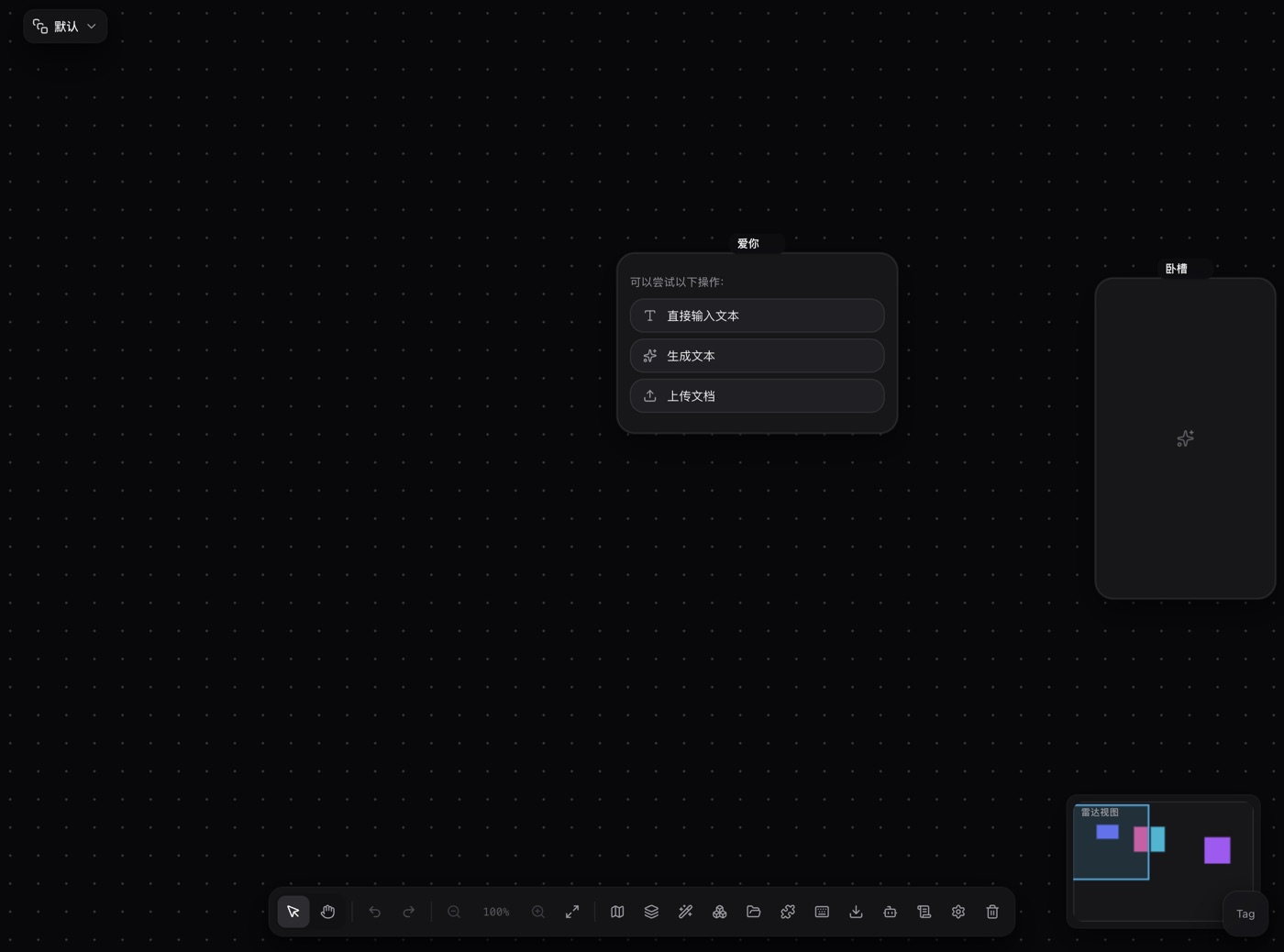
When the graph gets messy, use the toolbar's smart layout: rearrange nodes by topology. It re-lays the graph along the connections, leaves locked nodes alone, and only rearranges the selection when several nodes are selected.
Two more pieces: the prompt and the move
- Save as style. On an image node, "save as style" opens a form pre-filled with the prompt that produced this image. You delete the subject half and keep the style half; the image becomes the cover. It then shows up under "My styles" in the asset library, where the style library can be searched by name, category, tag or prompt, and applied with one click or dragged onto the canvas. This is where "the prompt behind the good image" belongs.
- Export / import canvas. The toolbar's Export / Import Canvas writes the whole canvas to JSON, nodes, edges and layers included, and reads it back. That is how a canvas moves to another machine, another project or another person. Macros have their own JSON import and export for carrying the recipe along.
The division of labour: assets hold the outputs, records hold the history, macros hold the recipe, layers and groups hold the structure.
4 · A naming and organizing convention you can copy
| Dimension | Rule | Example |
|---|---|---|
| Project / canvas | One topic, one canvas | shortdrama-episode-01 |
| Layer | One stage per layer | 01-script 02-storyboard |
| Node name | Number plus role | shot01-wide |
| Group | One chain per group | group named image-chain-A |
| Macro template | Smallest complete recipe worth reusing | storyboard-flux, tags FLUX,storyboard |
| Style | One name per look | watercolor-soft |
| Asset name | Topic, number, style | shortdrama01_003_watercolor |
New canvas or new layer? Same project, same parameters, just another episode: add a layer. Different client, different look, different model setup: start a new canvas. The test is whether you will reuse these parameters. If yes, stay in the same project and switch layers. If no, split it out.
Backup rhythm. Every node and edge change auto-saves to local storage in real time, but auto-save is not a backup. Export a canvas JSON at each milestone (storyboard locked, final cut) and put the date in the filename. Once a macro runs cleanly, export its JSON straight away: the recipe is worth backing up more than the flow is.
5 · FAQ
Do prompts only live on nodes?
The prompt you generate with stays on the node, and the text in the input box is the prompt. When you want reuse, "save as style" extracts the style half: the full prompt including the subject stays on the node, the style prompt goes into the style library.
What is the difference between layers and groups?
Layers cut vertically: they classify a set of nodes and let you show, hide or lock them. Groups package horizontally: they wire several nodes into one chain that can be dragged as a unit and saved as a macro template. A group usually sits entirely inside one layer.
Does organising slow down generation?
No. Smart layout and batch layer assignment are one action across many nodes. The convention costs you once, at the start, and saves time after that.
How do I move to another machine?
Export the canvas as JSON with Export / Import Canvas and import it there; export and import macro templates as JSON from the component library; and point the other machine at the same object storage for cloud assets.
Read next
- Getting started: install, sign in, and a tour of the canvas
- Installing and managing plugins: add new node types and capabilities
- Models and providers: set up your keys and model routing