BYOK explained: what is BYOK AI tools safe, where your key lives, how to control the bill
BYOK explained: what is BYOK AI tools safe, where your key lives, how to control the bill
Long-tail queries: what is BYOK AI tools safe · is it safe to put API key in AI app · use own API key instead of subscription credits
Search "what is BYOK AI tools safe" and you land on people stuck at the same point: you paste a key into an AI tool you have never used, and now you want to know whether it gets swallowed or quietly runs your bill into the ground. A second group searches "use own API key instead of subscription credits" to work out what you give up by moving off a flat subscription. The real question, "is it safe to put API key in AI app", turns out to depend on the tool rather than on the phrase BYOK.
1 · What BYOK actually is: what it replaces, what it does not
BYOK stands for Bring Your Own Key. The mechanism is plain. The tool does not ship models and does not front the inference cost for you. You paste your own provider key in settings, and the tool sends requests to the provider using that key.
What it replaces is the "platform holds the key, platform issues the credits" model. With a subscription tool, the quota lives in your account, the platform holds the credential, and the model vendor sees the platform as the customer. Under BYOK the credential belongs to you again and the invoice is opened on the provider's side.
What it does not replace: the key still goes to the provider. The provider has to see it in order to call a model on your behalf, and it will record the calls made with it. BYOK changes who holds the credential and who gets paid. It does not change who can see the key. Any claim that BYOK means nobody knows your key is wrong.
"Use own API key instead of subscription credits" buys you metered pricing, a model list that no plan locks down, and an account you can cap and revoke yourself. What you give up is the platform standing behind you. After BYOK, the party you extend trust to is the provider you picked, not the tool in front of you.
2 · Where your key lives
PolyCreator is a desktop app, and the key lives on your machine.
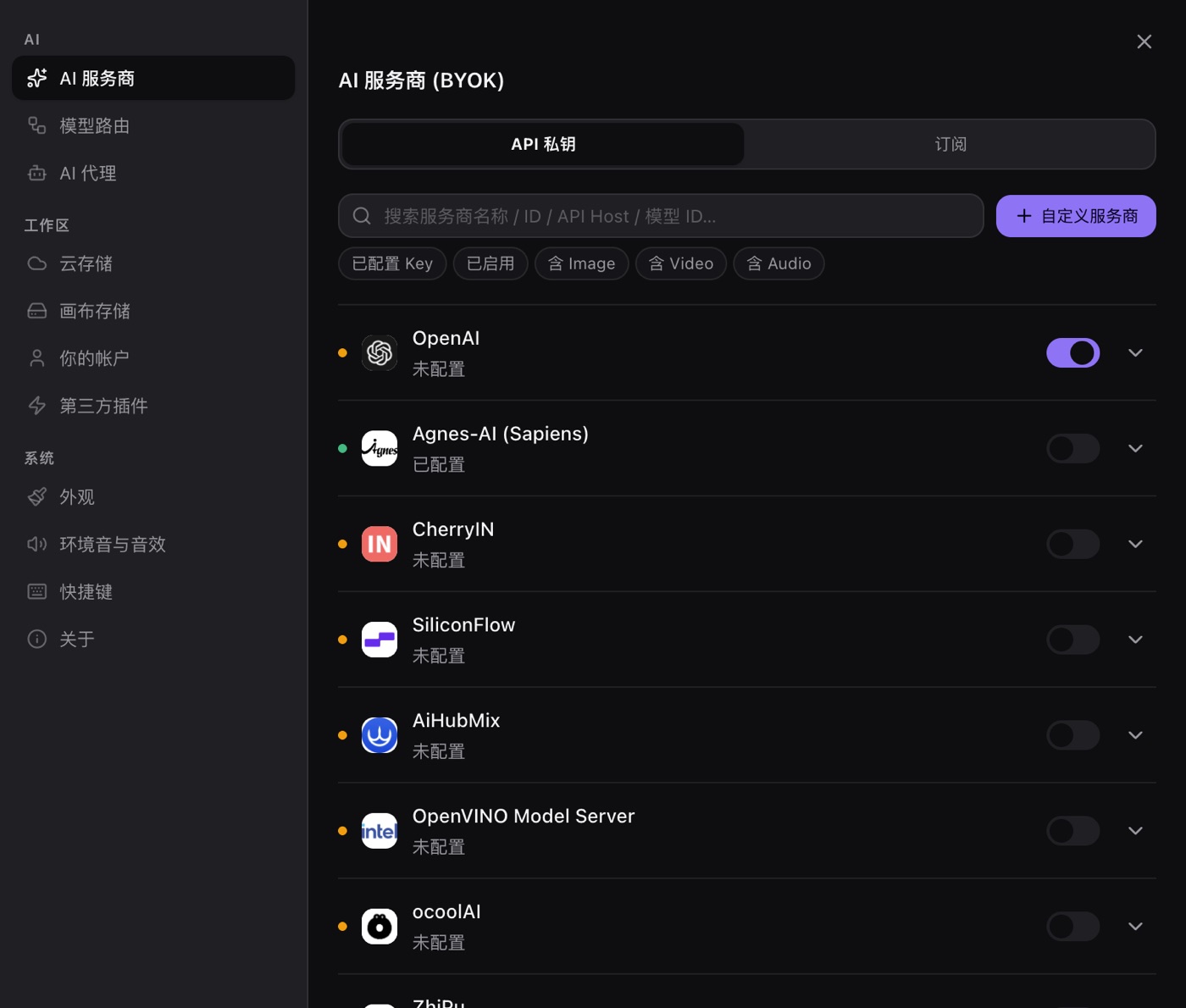
- The key is encrypted at rest through Electron's safeStorage, which hands the ciphertext to the operating system keychain (macOS Keychain, Windows DPAPI, Linux libsecret). No plaintext lands on disk.
- The secret is decrypted in the main process at the moment a request goes out. The renderer never receives the plaintext. The settings screen only holds a configured or not-configured flag, and a stored key is never echoed back into the field.
- The app does not proxy or forward your key to any PolyCreator server, and no copy of it is stored server-side. The polycreator.si side handles accounts, the plugin marketplace and downloads. It does not touch your provider key.
- The key is sent to the provider you configured. That is inherent to calling an API, and the provider also sees every request you send with it.
So the exposure surface is "your machine plus the provider you chose", not PolyCreator's servers.
Being precise about the threat model: the keychain protects one specific thing, namely that someone who picks up the file on disk does not get a usable key. It does not protect against someone who can already run code as you, someone looking over your shoulder, or a program you installed yourself.
There is also a simpler route that avoids the question entirely. Text tasks can point at Ollama or LM Studio on your own machine. Those local services need no key at all, and the request never leaves the network.
3 · The honest risk list
| Risk | Does it actually exist | Mitigation |
|---|---|---|
| The vendor swallows the key and forwards it to its own servers | Does not exist in PolyCreator: the key only goes to the provider you configured | When switching tools, check whether it proxies traffic and how it stores the key |
| Malware or a keylogger on your machine | Real, and it is an environment problem | Least-privilege keys, normal system hygiene, revoke on any oddity |
| A malicious plugin reads the key | Real, and it depends on what you installed | Trusted sources only, read the declared permissions, prefer the safe tier, uninstalling wipes the key |
| Screen sharing or screen recording exposes it | Real, but only during the seconds you type the key | A stored key is never displayed, so turn sharing off before you paste |
| A runaway loop burns through the budget | Real | Spending caps, tier your tasks, estimate before you run |
| The key ends up in a shared doc, a chat log, a screenshot | Real | Clean the earlier copies, ask the other side to delete |
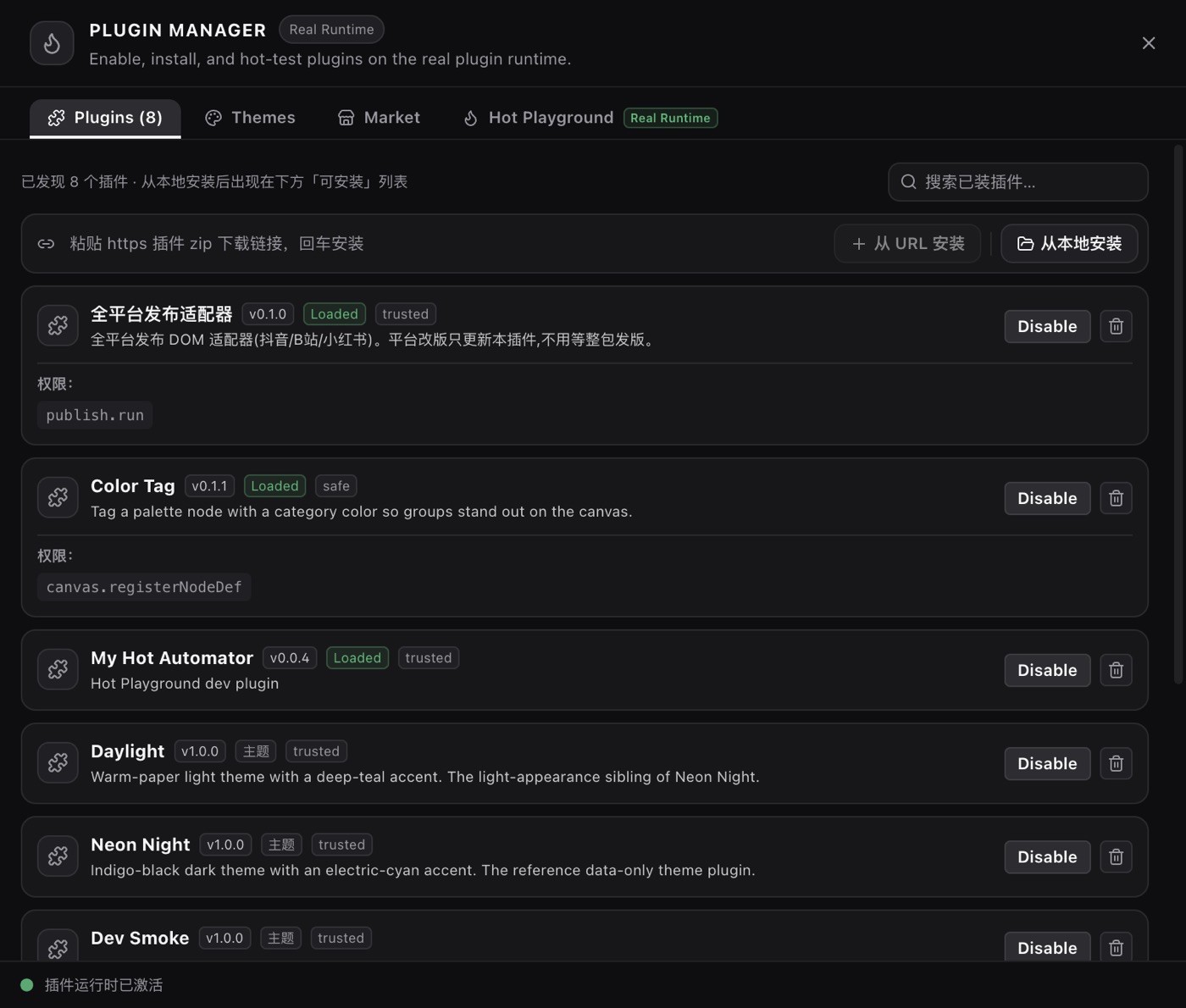
The plugin row deserves detail, because that is where the nuance lives. A safe-tier plugin has its capabilities structurally reduced: it gets no filesystem access, no command execution, no third-party provider registration and no cloud storage. A trusted plugin that ships a main-process entry point has the same local powers you do.
The first row does not apply to PolyCreator, but that is not a licence to conclude that BYOK is safe in general. Section 5 gives the checklist.
Not one of these six is an application problem. The first two are environment problems, the third is a choice, the last three are habits.
4 · Bill control
- Set a spending cap in the provider's dashboard. This is the only control that stops the money before you notice, and most providers support a monthly or daily ceiling.
- Use one key per project. A problem can be located, and one of them revoked without touching the rest.
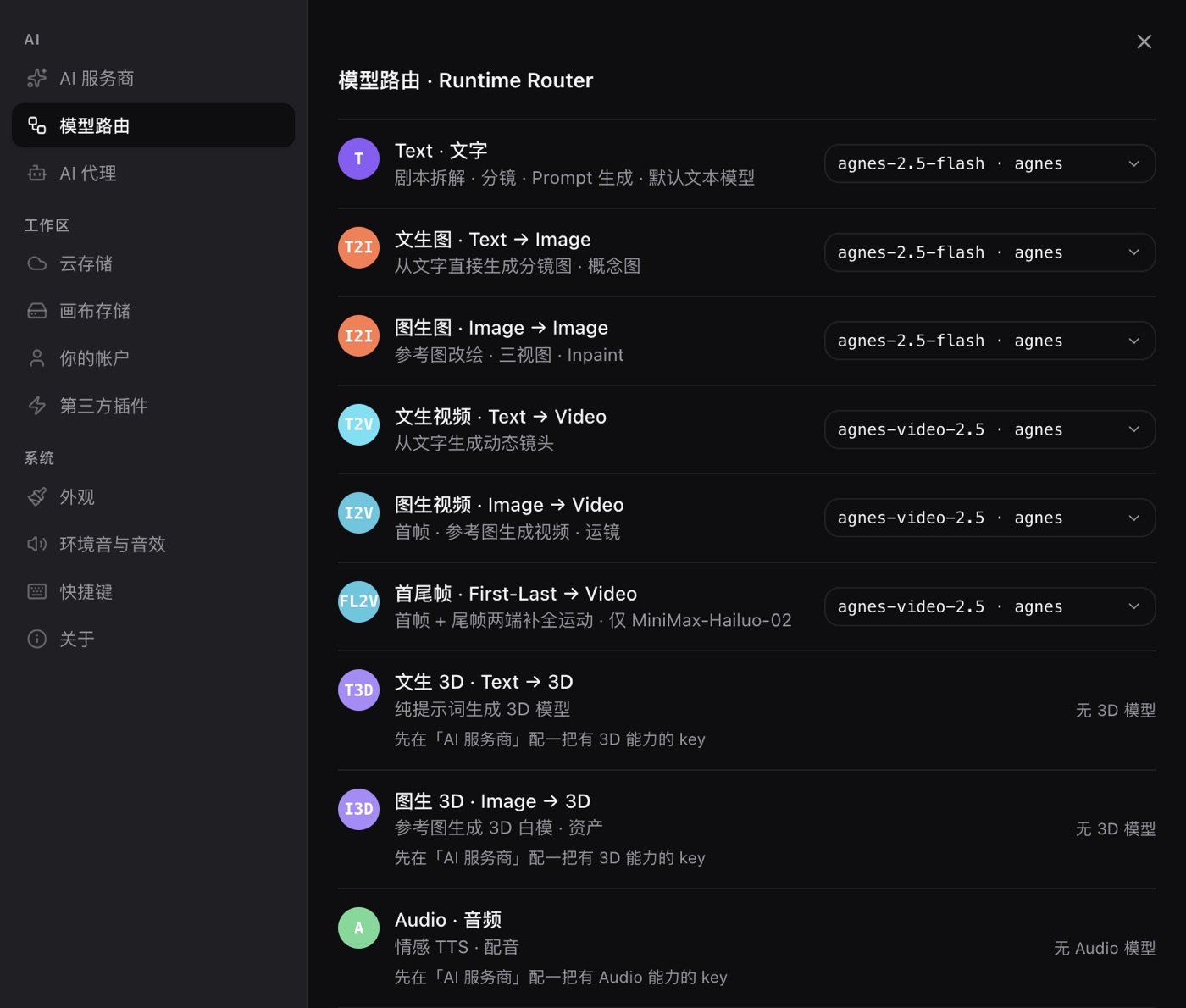
- Draft with the cheap model. Model routing lets prompt rewriting and shot lists point at a small model, and only the final render switches to the expensive one.
- Reconcile the bill. The provider dashboard has a usage page. The local generation records tell you what actually ran and how many times. Compare the two.
- Do not leave a generation loop running. Batch jobs, retry loops and failed requests can all be billed more than once, so make sure the loop has a stopping condition before you start it.
- Give the key the least privilege it can live with. If read-only works, do not grant write. If a quota is available, do not leave it unbounded.
If a key does leak, the fix is short: revoke it in the provider's dashboard, generate a new one, and paste it into settings. The old key dies immediately.
5 · How to audit any BYOK tool's claim
- Does the key live on my machine or on theirs? A desktop tool that keeps the key locally is doing BYOK. A web tool that tells you "we store your key for convenience" has changed the trust model.
- Keychain or plaintext? "Stored locally" is not encryption. Look for the specific mechanism, ideally the system keychain or an equivalent.
- Does it proxy the traffic? Once it forwards requests on your behalf, the key necessarily passes through its servers. Check the actual network behaviour, not the marketing page.
- Is it open source? The plugin SDK, the manifest package and the plugin template are public under MIT, and the plugin registry is public too. The desktop app itself is not open source yet, so "our plugin ecosystem is open" is not the same as "our app is inspectable".
- What is the permission scope? What does a plugin declare, does it need main-process access, can it touch the filesystem, and does uninstalling wipe the key it stored? Read the manifest, not the badge.
When the tool is a web app, ask one more question: whose account are you logging into? A browser tool that holds your key in its own database, under its own retention policy, is a different arrangement from a desktop app that never lets the key leave the machine.
FAQ
Does PolyCreator send my key to you?
No. The key is encrypted into your machine's system keychain, read only at the moment a request goes out, and sent straight to the provider you configured. PolyCreator does not proxy it, forward it, or store it server-side.
Who can see my key then?
The provider you chose, which is inherent to calling an API and is not changed by BYOK. Beyond that: anyone who can operate your machine, anyone who can read your files, and any plugin you have installed.
Does PolyCreator charge me?
No. The inference cost is billed by the provider directly to your account. PolyCreator does not sell models, does not mark the price up, and does not take a cut.
What do I do if a key leaks?
Revoke it in the provider's dashboard, generate a new one, and put that into settings. The old key stops working immediately. For the exact rotation steps, read that provider's own documentation.
Is my own key more expensive than a subscription?
It depends on how you use it. A subscription is a fixed monthly fee and stops when the quota runs out. BYOK is metered: nearly free on a quiet week, potentially surprising on a busy one.
I already pay for a subscription. Do I still need a key?
It depends on the task. Model tasks that go through the API use your own key. Some providers also expose a web sign-in button in Settings → AI providers, and there the app stores a local session credential instead of a real key, so those rows need no key from you. Which providers show that button depends on the settings screen.
Read next
- Models and providers: BYOK, model routing, quota and billing in full
- Getting started: install the desktop app and learn the canvas in ten minutes
- Installing and managing plugins: marketplace, URL installs, updates and uninstalls