데스크톱에서 동작하는 AI 영상 캔버스
텍스트, 이미지, 영상, 오디오가 모두 하나의 그래프 위 노드가 됩니다 — 첫 프롬프트부터 마지막 편집까지 한 편의 영상을 내 컴퓨터에서 완성하세요.
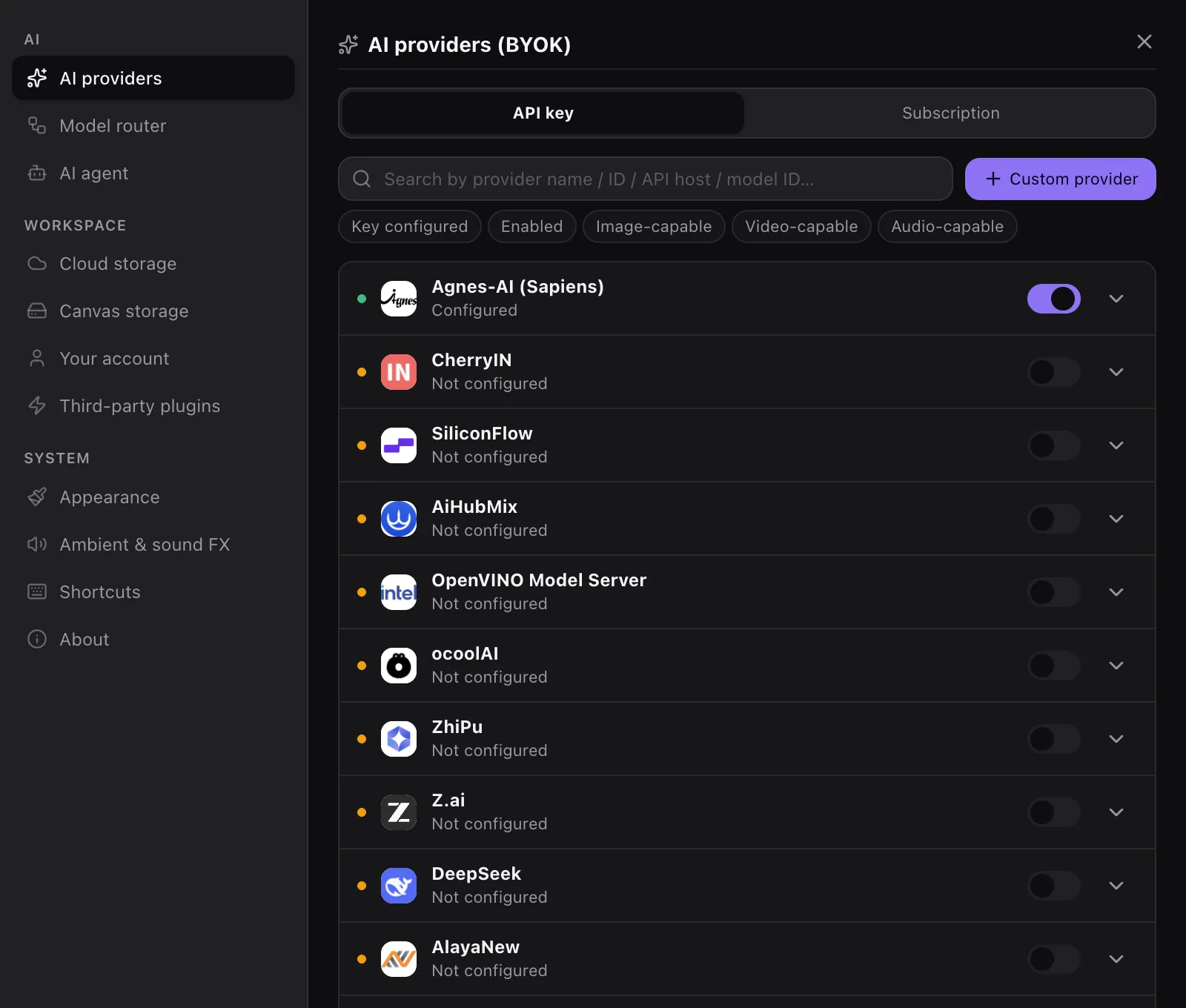
자신의 API 키를 사용하세요 — 크레딧도, 클라우드 종속도 없습니다
01
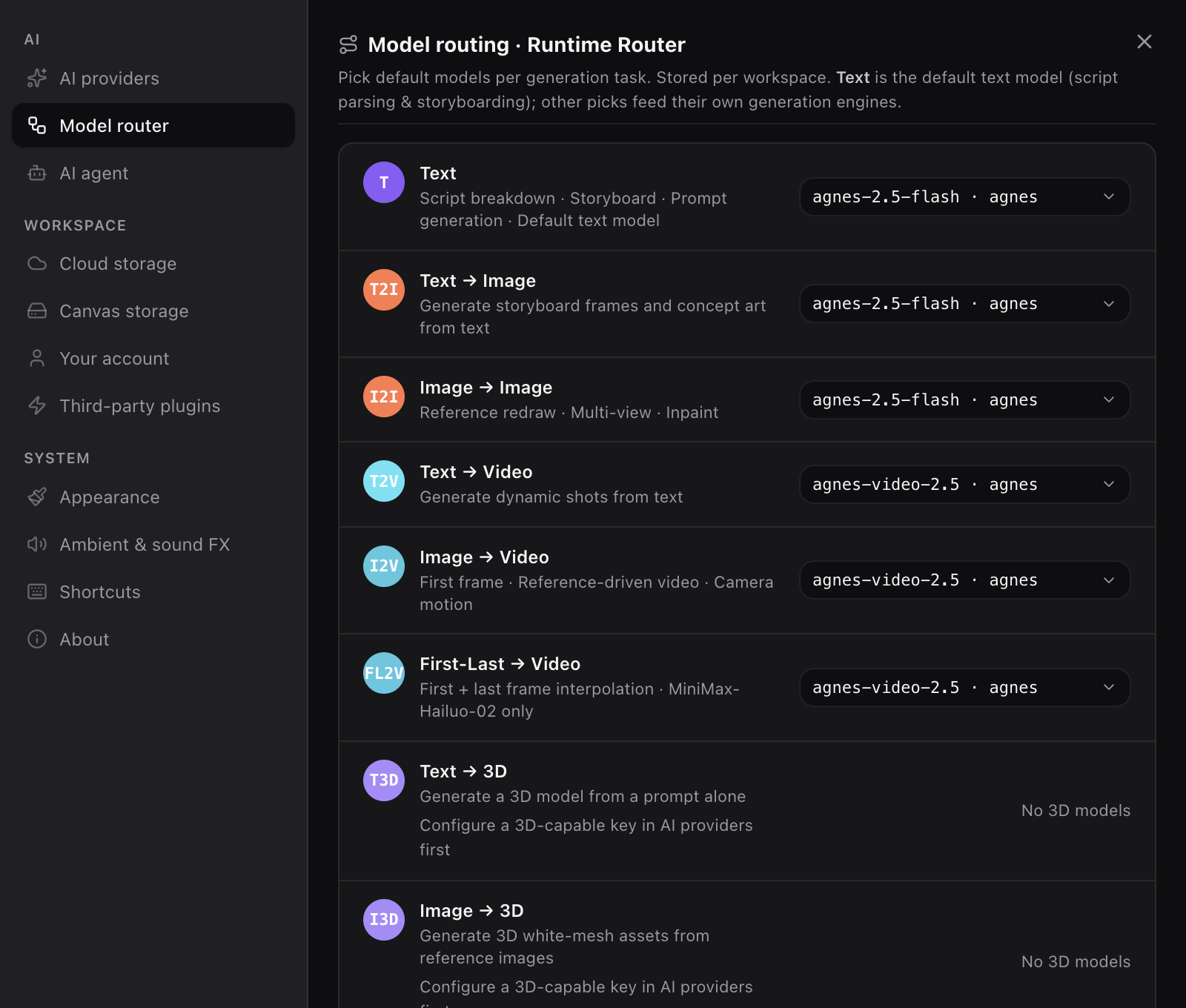
각 노드가 실행될 모델을 선택하세요
텍스트, 이미지, 영상, 오디오마다 모델 행이 따로 있습니다 — 종류별로 선택하고 언제든 바꿀 수 있어요.
02
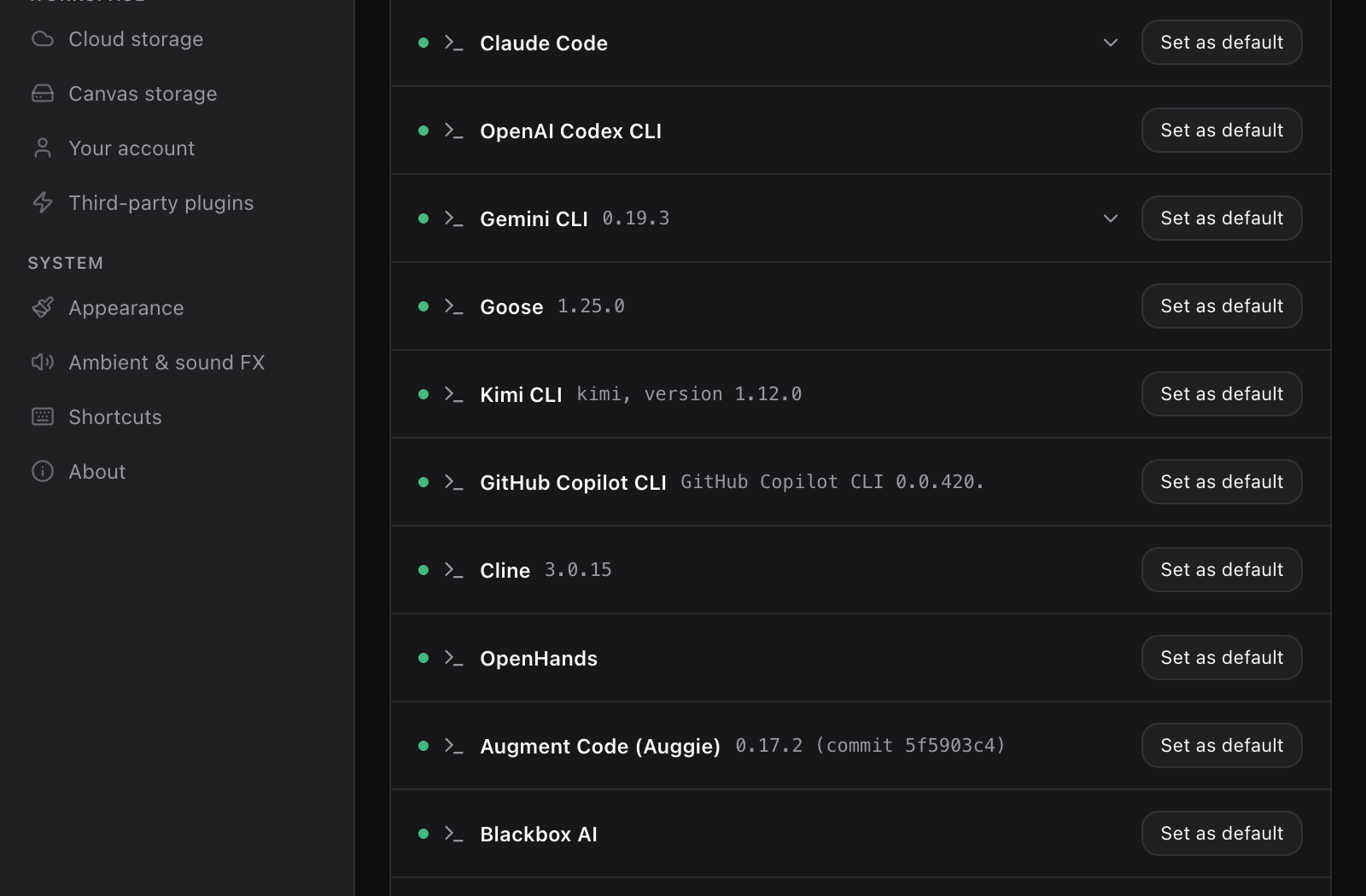
이미 설치된 에이전트 CLI와 함께 동작합니다
PC에 설치된 에이전트 CLI를 자동으로 감지합니다 — Claude Code, Codex CLI, Gemini CLI, Goose, Kimi CLI, Copilot CLI, Cline, OpenHands, Augment, Blackbox — 노드 체인을 믿을 수 있는 에이전트에게 맡기세요.
03
결과는 같은 그래프로 돌아옵니다
모든 노드가 결과를 그래프에 다시 기록합니다 — 앞 단계를 바꾸고 다시 실행해 보세요.
- 텍스트
- 이미지
- 영상
- 오디오
04
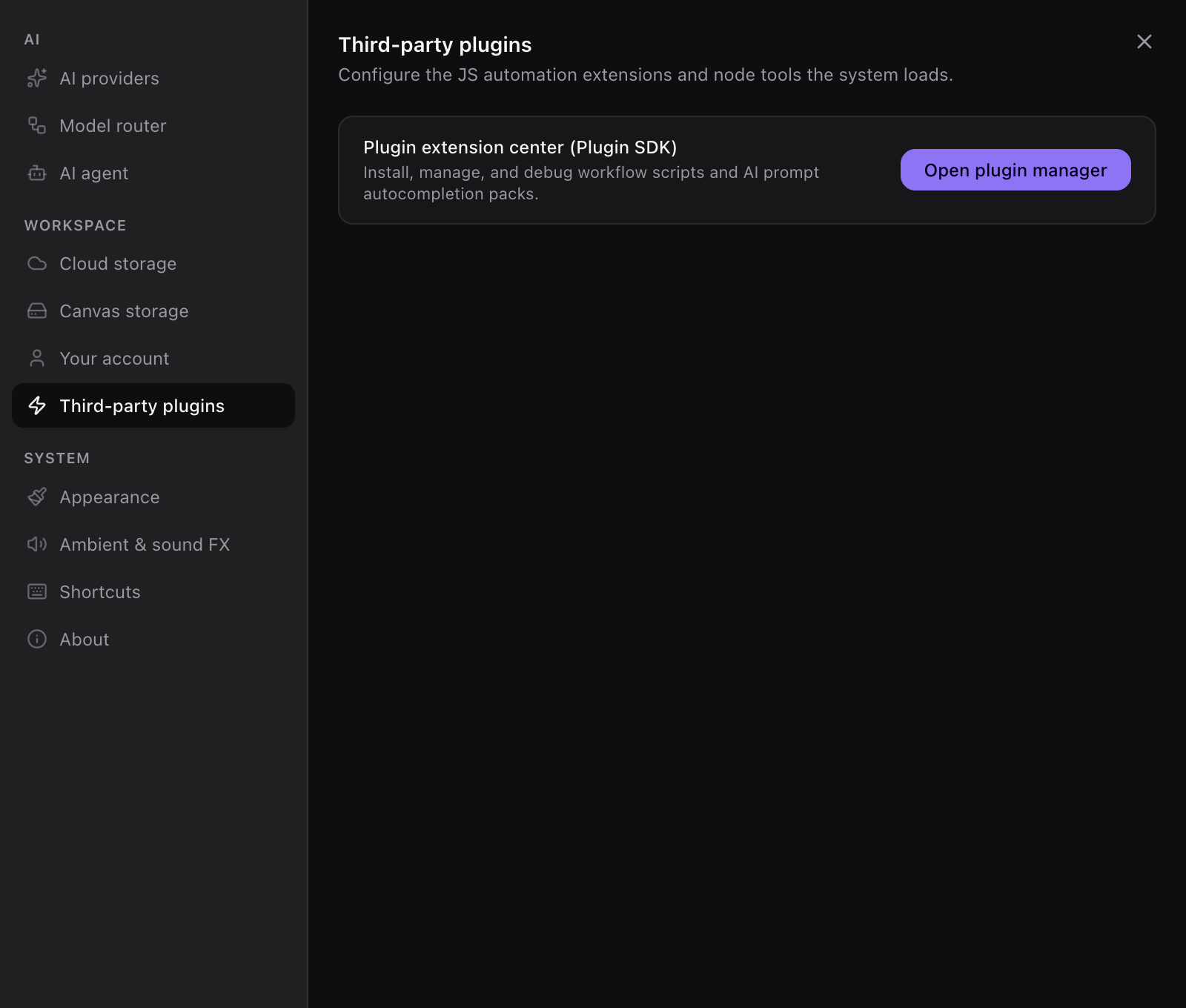
플러그인으로 확장하세요
Plugin SDK는 공개되어 있습니다 — 확장 기능이 플러그인으로 앱에 연결됩니다.
05
모델은 가져오세요, 판매하지 않습니다
주요 모델과 OpenAI 호환 게이트웨이에 자신의 API 키를 연결하고, 텍스트·이미지·영상·오디오 작업별로 라우팅하세요.
- OpenAI GPT-6
- Anthropic Claude Sonnet 5
- Google Gemini 3.8
- MiniMax M3
- Zhipu GLM-5
- DeepSeek V4
- Moonshot Kimi K3
- Doubao Seed 2
- Qwen-Max
- Ollama 로컬 모델













































전체 231개 제공자 보기
애그리게이터와 클라우드 업체를 포함합니다. models.dev의 업스트림 데이터를 매주 갱신합니다.
…
따라 해 보세요: 실습 튜토리얼
깨진 이미지 고치기부터 영상 가격 비교까지 — 실제 화면과 실제 스크린샷으로 작성된 튜토리얼입니다.
- ComfyUI alternative for beginners — node-based image generation with no setupComfyUI is hard to install, full of node conflicts, and most beginners never ship their first image. Here is where the real barrier is, and how PolyCreator gives you the same node-graph workflow with nothing to install.
- AI image hands deformed how to fix — extra fingers and garbled poster textSix fingers, a headline that reads SPRNG SAL, a portrait with plastic skin. Here are the before-and-after prompts for three common broken-image cases, four reusable prompt templates, and how to work through them node by node in PolyCreator.
- how to keep same character across AI images: comics and storyboards with one face across every panelSix panels, six different people. This guide compares the reference-image route, LoRA training and seed locking, then shows how PolyCreator keeps one character pinned across a whole set on its node canvas.
- From 1024px to A3: how to upscale AI image for print qualityA 1024×1024 generation looks fine on screen and gets rejected by the print shop. Here is the pixel math for every print size, the four upscaling routes that exist, and how to get a print-ready file out of PolyCreator using a higher-resolution model and a plugin node.
- How to edit part of AI image without regenerating: inpaint and outpaintThe picture is nearly right but the hand is wrong, or it is 1:1 and the video needs 16:9. Here is how inpainting and outpainting work, which parameters matter, and how PolyCreator runs image-to-image edits on its node canvas.
- AI product photography white background to lifestyle: mockups and model shots without a studioA white-background listing looks flat and a size-S mannequin is not a size-L shopper. Here are the general routes for turning a product shot into a lifestyle scene, three before-after cases, and how PolyCreator runs the chain on its node canvas.
- Kling vs Runway vs Hailuo price per second: an AI video billing comparison plus BYOK setupThe bill for video models hides in the billing structure, not the headline price. This guide compares per-second, subscription-credit and per-request billing, dates the comparison table, and shows how to wire your own API key (BYOK) for video in PolyCreator, including what it takes to reach Kling and Runway.
- BYOK explained: what is BYOK AI tools safe, where your key lives, how to control the billWhat BYOK actually changes, where the key lives, which risks are real, and five questions to ask before you trust any tool with your own API key.
- Stable Diffusion low VRAM how to run: local tuning knobs and the cloud alternativeOut of memory errors, three minutes per image on an M1, a laptop that sounds like a jet engine. What the local tuning knobs actually do, what local and cloud each cost, and how PolyCreator routes heavy work to a provider.
- How to organize AI generated images prompts, and save and reuse image generation workflow400 files named IMG_2048.png, the prompt behind the good one is gone, and the same six-step setup gets rebuilt every time. Here is a copyable organizing convention, and how PolyCreator lands it with assets, records, macros, layers and groups.
- comfyui workflow templates free download: where to find them, how to adapt one, how to save your ownA template is not magic, it is a JSON file. Here are the three places templates come from, the handful of nodes worth changing when you adopt one, and how PolyCreator turns canvas nodes into a macro template you can export and share as JSON.
- AI talking avatar lip sync bad fix: repairing the mouth and keeping one face across clipsThe three complaints that come with every talking head course: the mouth lands half a beat late, the lip shapes do not match the phonemes, and clip two is a different person. Here is the fix order, the way to hold one face across clips, and how PolyCreator wires script, voice, video and publish into a node graph.
캔버스를 내 컴퓨터에 설치하세요
데스크톱 앱이 제품의 전부입니다 — 설치하고 자신의 키를 연결한 뒤 그래프를 만들기 시작하세요.
macOS · Windows · Linux